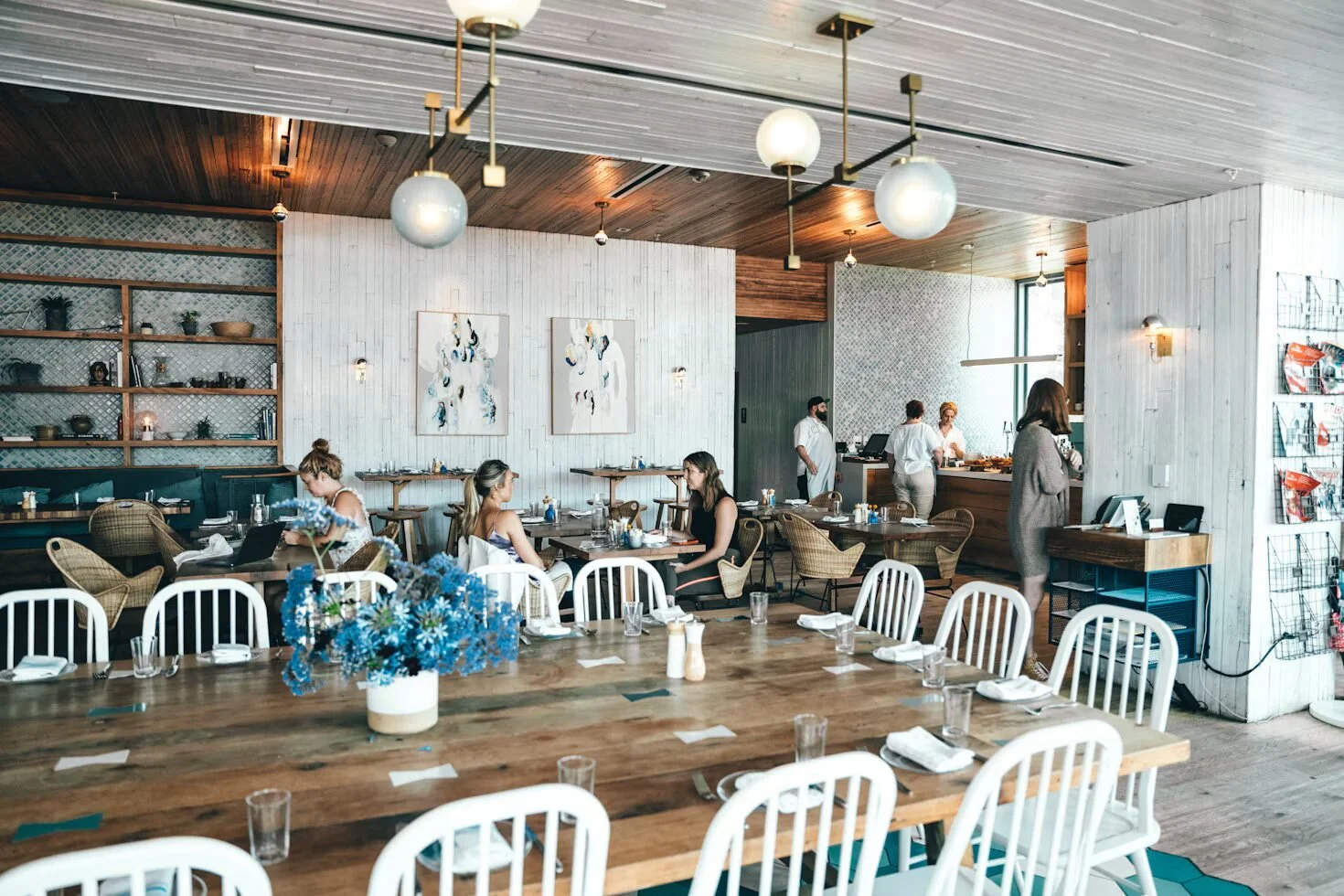
A restaurant website succeeds or fails on how fast it answers three questions on a phone screen: is it open, where is it, and what's on the menu. PDF menus are the single most common failure in restaurant web design, breaking search visibility, mobile usability, and accessibility all at once. Maine restaurants carry a specific risk national guides skip: seasonal hours that go stale on the site while Google shows something different, which silently costs walk-ins. Restaurant search runs on local signals, so a complete, matching Google Business Profile and a text-based menu do more for visibility than any template choice. Cost depends on scope, not platform, and the ongoing work of updating hours, prices, and specials matters more to the total cost than the initial build.
A hungry person standing on Commercial Street with a phone in their hand needs three things from your site in about eight seconds: are you open, where are you, and what's on the menu. Website design for restaurants in Maine succeeds or fails on how fast those three answers appear on a small screen. Everything else, the hero video, the story of the founder's grandmother, the ambient photography, comes after.
This is a build order. Work through the steps below in sequence and you'll end up with a restaurant website that handles summer tourist traffic, keeps your regulars informed through a slow February, and shows up when someone searches for lunch in your town.
Hours, address, phone, and menu must live above the fold on mobile
Before a single color gets picked, write down four pieces of information and decide where each one lives on the homepage: hours, address, phone number, and a link to the menu. These belong above the fold on mobile. Not in a footer. Not behind a hamburger menu. Not in an image that a screen reader can't read.
Maine restaurants have a wrinkle most national guides skip: your hours change with the season. A Boothbay Harbor spot might run seven days a week from June through Columbus Day and drop to Thursday-through-Sunday after. If your site says "Open Daily 11-9" and it's March, you're training people to distrust you. Build the hours block as editable content you can change in thirty seconds, and add a short seasonal note when the schedule shifts.
- Phone number: marked up as a click-to-call link, not plain text. On mobile, a number you can't tap is a number nobody dials.
- Address: linked to directions, with the town name spelled out. "Rockland, ME" does real work for local search.
- Hours: plain text on the page, matching what's in your Google Business Profile exactly.
- Menu link: one tap from the homepage, no scrolling required.
Mismatched hours between your website and your Google listing is one of the quieter reasons a restaurant loses walk-ins. Google shows one thing, your site shows another, and the customer picks the competitor with a consistent story.
PDF menus break search visibility, mobile usability, and accessibility
A PDF menu is the single most common flaw in restaurant web design, and it's worth being blunt about why. PDFs open in a separate viewer on most phones, render at postage-stamp size, force pinch-and-zoom, are invisible to Google's understanding of your dishes, and are unreadable to anyone using assistive technology. They also require you to open design software every time the price of scallops moves.
Build the menu as a real web page instead. Section headers, dish names as text, descriptions, prices. It takes longer up front and saves you every week after that.
The SEO upside is direct: when your menu is text on a page, search engines can match "lobster roll Portland" or "gluten free pizza Bangor" to your actual offerings. A PDF hands that visibility to somebody else. Note dietary tags inline too, since vegetarian, gluten-free, and dairy-free markers are among the most searched restaurant qualifiers and cost you nothing to add.
If you run daily specials, keep them in a separate, clearly-dated block so an eight-month-old special doesn't sit at the top of the page in the middle of a busy Saturday.
Website Design for Restaurants in Maine: What Functionality Your Restaurant Type Must Support
Restaurants split into a few functional categories, and the right build depends on which one you are. Sort yourself before you shop for a platform or a package.
| Restaurant type | Primary site job | Functionality needed |
|---|---|---|
| Full-service, reservations-driven | Book tables | Reservation platform embed, private events inquiry form, seasonal hours |
| Counter service / cafe | Drive walk-ins and orders | Online ordering link, menu, click-to-call, directions |
| Seasonal / tourist-facing | Convert visitors planning ahead | Strong photography, parking and access info, wait expectations, local SEO |
| Bakery, roaster, or retail-adjacent | Sell product and catering | Storefront, shipping setup, catering order forms, wholesale page |
That last row is where a surprising number of Maine food businesses land without realizing it. A cafe that sells its own beans, a bakery taking holiday pie preorders, a seafood spot shipping frozen packs to people who visited in July, all of these need a real checkout, not a contact form. If shipping or preorders are part of the plan, an online store setup should be scoped from the start rather than bolted on in year two.
Route ordering and reservations through one header button on every page
Most restaurants already have a POS or delivery relationship that comes with an ordering system attached. The job of the website is to route people into it fast, not to replace it.
Put the ordering button in the header where it's visible on every page, and make the label say what happens. "Order Online" beats "Get Started." If you take delivery through multiple services, don't scatter the logos across three sections. One block, one clear choice.
Reservations follow the same rule. Whatever platform you use, embed the widget on a dedicated page and link to it from the header. Test it on an actual phone before launch, because reservation embeds are notorious for rendering fine on a laptop and clipping badly at mobile widths. And keep a phone number visible next to it, since a meaningful share of your reservation traffic is people who would rather call.
If a customer has to tap more than twice to reach your menu, your ordering system, or your phone number, the design is working against the restaurant.
Real photos of your dishes outperform stock images and build credibility
Stock photography of a generic burger on a wooden board is the fastest way to tell a visitor you're not confident in what you serve. It's also easy to spot. People who eat out regularly recognize stock food images the way they recognize a fake Yelp review.
You don't need a studio. You need window light, a clean table, and about two hours. Shoot your six best-selling dishes, one wide interior shot that shows how the room really feels, and one exterior shot that helps someone recognize the building from the road. That last one matters more in Maine than most places, where a lot of good restaurants live in converted houses and unmarked storefronts.
Compress the files before they go on the site. Large uncompressed food photos are the leading cause of a slow restaurant homepage, and slow pages lose people who are already hungry and impatient. Aim for images under a few hundred kilobytes each, sized to the space they really occupy.
Refresh the gallery seasonally. The winter menu photos shouldn't be running in August.
Google Business Profile completeness drives local restaurant search rankings
Restaurant search is close to purely local. Someone in Brunswick searching "best breakfast near me" is being served results based on proximity, listing quality, and how clearly each site signals where it is and what it serves.
The foundation is your Google Business Profile: complete, categorized correctly, with current hours, real photos, and the menu link pointed at your live menu page. Match the business name, address, and phone number on your website character-for-character with what's on the profile. Inconsistency here is a common and fixable drag on visibility, and it's one of several problems covered in the rundown of SEO mistakes that silently stall new sites.
On the site itself, work the town name into your page titles, your homepage heading, and your about page in a way that reads like a sentence a person would say. "Wood-fired pizza in Camden, Maine" is better than a keyword stuffed into a footer. Add structured data for your restaurant type, hours, and menu if your platform supports it, since that's what feeds the rich results people see before they ever click.
If you serve a cluster of towns, mention them naturally where relevant: catering across midcoast Maine, private events for groups from Rockport and Rockland. Don't build a thin doorway page for each town. Search engines have been discounting that for years.
Seasonal traffic patterns reshape what your site needs to accomplish monthly
This is the piece almost no restaurant web design guide addresses, and it's the difference between a site that works here and a site that was designed for anywhere.
Traffic to a coastal Maine restaurant site does not sit flat across twelve months. Summer brings visitors planning trips weeks in advance, searching from out of state, reading your parking information and wondering whether you take walk-ins. Winter brings locals checking whether you're open tonight. Those are two different visitors with two different questions, and a good site can serve both without a redesign.
Practically, that means:
- A hours module you can edit yourself. Seasonal schedule changes should take one minute, not a support ticket.
- An announcement bar you can turn on and off. "Closed for the season, reopening April 15" or "Now taking reservations for the summer" belongs at the top of every page during the weeks it's true.
- Trip-planning content that lives year-round. Parking, accessibility, whether the deck is heated, how far you are from the ferry landing. Visitors read this. Locals skip it. Nobody is hurt by its presence.
- A shoulder-season plan. April and November are when most Maine restaurants have time to update photography, rewrite menu descriptions, and fix whatever broke during the rush.
Building this flexibility in from the start is much cheaper than paying a developer to unstick a hardcoded hours block in mid-July.
HTML text menus and keyboard navigation reduce legal and usability risk
Accessibility gets skipped in restaurant web design more than almost any other category, and it carries real risk alongside the obvious ethical case. Restaurant websites have been a recurring target for ADA-related web accessibility complaints nationally, and a PDF-only menu is a textbook complaint scenario.
The baseline is not complicated:
- Menu content as readable HTML text, not images or PDFs.
- Alt text on every photo that carries information.
- Color contrast strong enough to read a dark menu page in bright sun. Light gray text on a cream background fails constantly.
- Text that can be scaled up without the layout collapsing.
- Forms with real labels, not placeholder text pretending to be labels.
- Keyboard navigation that works through your whole ordering and reservation flow.
Most of this is a byproduct of good design anyway. A menu built as text for accessibility is the same menu that ranks in search.
Build scope determines cost more than platform choice or template price
Restaurant sites cost less than most owners fear and more than the cheapest option suggests. What really drives the number is scope: a five-page site with a text menu, click-to-call, and an ordering link is a modest project. Add a reservation system, a shop with shipping rules, a catering order flow, and a private events section, and you're in a different tier.
The variable people underestimate is ongoing work. A restaurant site is not a brochure you print once. Menus change, prices move, seasons flip, specials rotate, holiday hours need posting. Either you're doing that yourself in a platform simple enough that you will, or someone is doing it for you on retainer. The comparison of monthly support against one-time builds lays out how those two paths diverge in total cost over a few years, and for restaurants specifically the update frequency tilts the math hard toward ongoing support.
For a sense of real ranges by provider type across the state, the breakdown of what a small business website costs in Maine is a useful sanity check before you take a quote. And if the upfront number is the obstacle, a monthly package like the Out-of-the-Box build covers design, copy, hosting, and unlimited updates without a large deposit, which suits a restaurant with seasonal cash flow better than a big spring invoice.
Test ordering, reservations, and page speed on cellular before launch
Before you go live, sit down with an actual phone on cellular data, not office wifi, and run the path a customer runs. Search your restaurant name. Tap the result. Time how long the homepage takes. Find the menu. Find the hours. Tap to call. Place a test order. Book a test reservation and then cancel it.
Then check these, in this order, because they're what fails:
- Ordering and reservation embeds at mobile width
- Page speed with your photography loaded
- Hours matching Google exactly
- Contact form that really delivers to an inbox someone reads
- The menu page rendering correctly on both iOS and Android
A full launch sequence, including what typically causes delays, is mapped out in the week-by-week launch timeline if you want to see how the pieces stack up against a calendar.
After launch, set a recurring reminder to review the site the first week of every month. Five minutes. Hours current, specials current, photos not stale, nothing broken. That habit keeps a site useful for years.
Frequently asked questions
How much does website design for restaurants in Maine typically cost?
Website design for restaurants in Maine depends almost entirely on functionality, so ask any provider to price the specific pieces you need rather than quoting a flat "restaurant site." A simple informational site with a text menu and an ordering link sits well below a build that includes reservations, a shipping-enabled store, and catering workflows. Ongoing costs matter as much as the build: hosting, domain, any reservation or ordering platform fees, and either your time or someone else's for menu updates. Get both numbers in writing before you sign.
Can I just use a free website from my POS or delivery provider?
You can, and for a brand-new spot testing an idea it's a reasonable stopgap. The tradeoff is control. Those sites tend to be templated, hard to differentiate, weak on SEO, and tied to a vendor relationship you may want to change. If your POS provider is also your landlord for your web presence, switching processors later becomes a website migration too.
What platform is best for a restaurant website?
For most independent Maine restaurants, Squarespace hits the right balance: menu pages are easy to edit without a developer, reservation and ordering embeds work cleanly, image handling is good, and the owner can change hours from a phone. WordPress offers more flexibility and demands more maintenance. Restaurant-specific builders handle menus and ordering elegantly but often lock you into their ecosystem. The deciding question is plain and simple: who is updating this site on a Tuesday afternoon in July, and what will they realistically be comfortable using?
Do I need a blog on my restaurant website?
Usually not, and a neglected blog with three posts from 2023 actively hurts. What does earn its keep is a small set of evergreen pages a visitor searches for: private events, catering, group dining, and gift cards. Those pull real search traffic and answer questions your staff otherwise field by phone.
How often should the site be updated?
Menu and pricing changes go up the day they take effect. Hours get reviewed at every seasonal shift. Photography gets refreshed once or twice a year. Everything else can sit. A restaurant site that's touched monthly stays accurate; one that's touched annually starts costing you covers.
Kill the PDF menu this week if nothing else changes on your site
Pick one step from this list and do it this week. If the menu is still a PDF, that's the one, since it fixes readability, accessibility, and search visibility at the same time. If the menu is already clean text, go check whether your hours match Google right now.
If the site needs more than a patch, it's worth talking through what a restaurant build should include before you get quotes. Website design for restaurants in Maine works best when it's scoped around your season, your ordering setup, and who's going to keep it current, and that conversation goes faster with someone who works with Maine small businesses and already knows what a July rush does to a website.